

The following instructions describe how to apply filters to the key metrics section of the Home page. The filters do not affect the actionable insights section.
-
Click Apply Filter hyperlink or Filters. The Apply Filters hyperlink displays when no filters have been applied.

-
Select desired filters from the drop-down menu options.
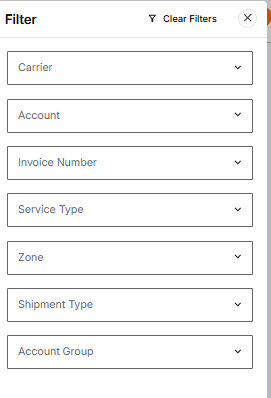
-
Click Apply. The filters in use display at the top of the page.
-
Click X next to filter name to remove individual filter.
-
Click Clear All to remove all filters.
-
Click Filter to change selections.
-
