

The following instructions explain how to log in, change data set, and sign out of Avercast.
Log in
-
Go to http://psi.transimpact.com. Login page displays.
-
The following table explains how to enter your email if it is your first time logging in or if you have logged in previously.
|
First Time Logging In |
Previously Logged In |
|---|---|
|
Type email and press Enter or click Next. 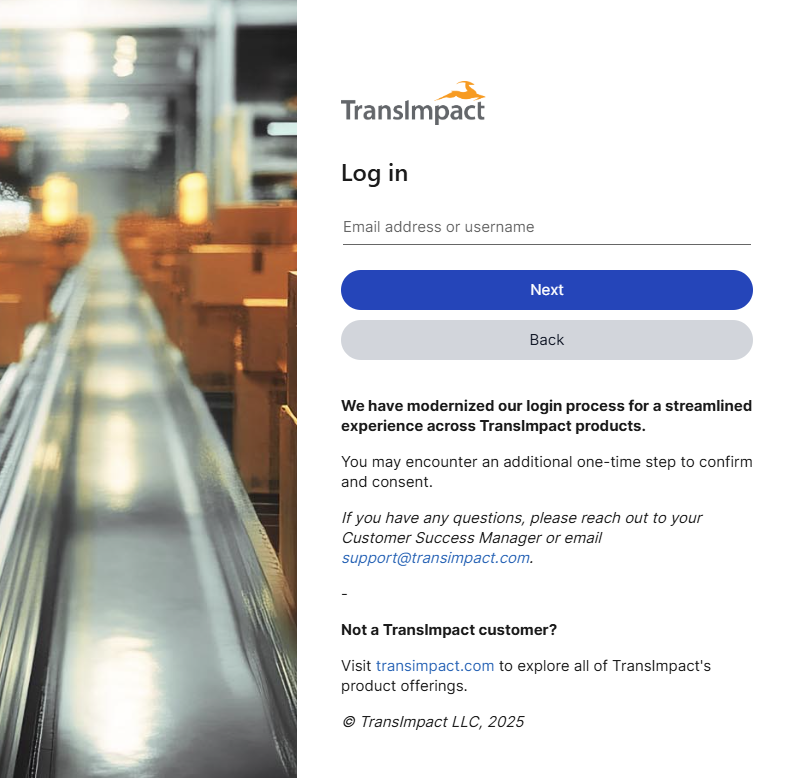
|
If not first time, click the email account or click +Use another Account to type your email. 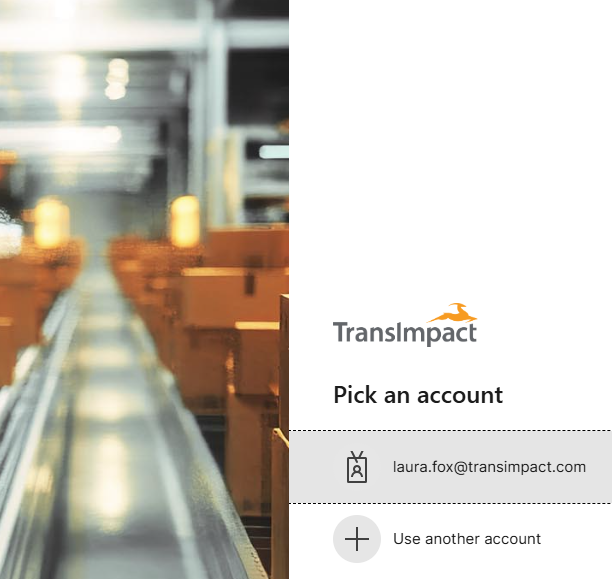
|
-
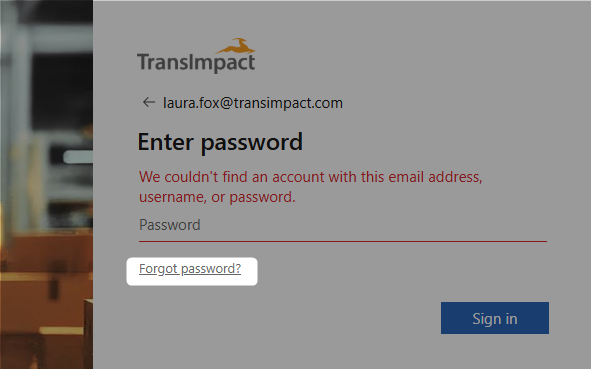
Type current password and press Enter or click Sign in.
Click forgot password? to reset password.
-
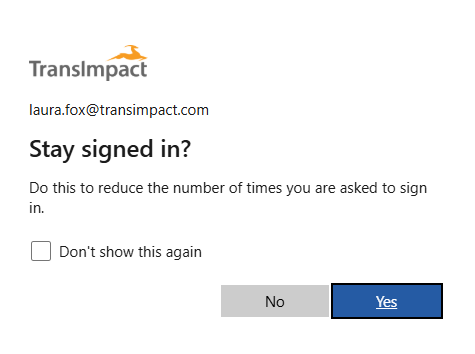
To stay signed in select the Don’t show this again checkbox and click Yes.
-
(First time user) Review permissions and click Consent to grant access.
Explanation of permissions:
-
Receive your profile data – Allows TransImpact to securely recognize your name and email so we know it’s really you.
-
Collect and log your activity – Allows us to confirm successful sign-ins and monitor for anything unusual.
-
Use your profile and activity data – Allows us to use in-app activity solely for support, troubleshooting, and product improvements.
Sign out
-
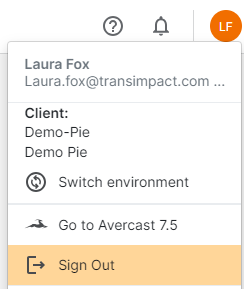
On the upper right corner of any page, click your initials.
-
Click Sign Out.
-
Click the account you want to sign out of. Close browser.