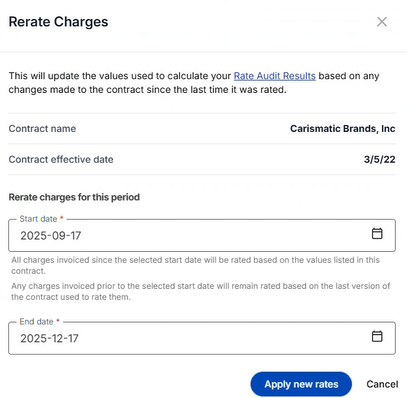

Instructions in this section explain how to view, edit, delete, and rerate charges.
-
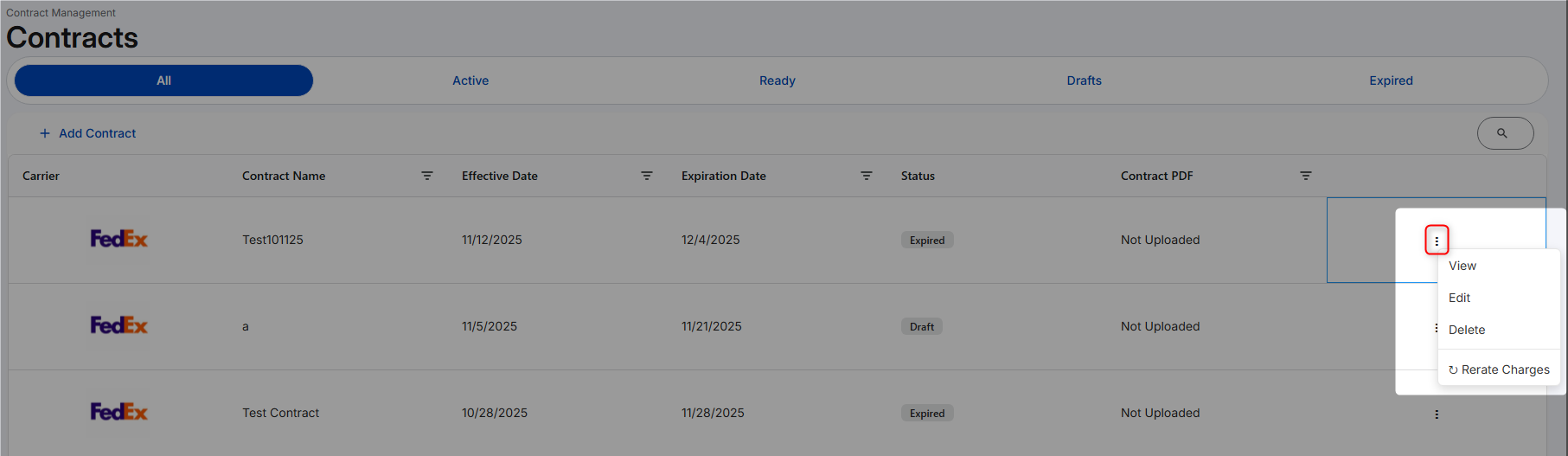
At the end of the contract grid line, click the vertical ellipsis.
-
Select from the following options:
|
Option |
Instructions |
|---|---|
View
|
Click view to review the summary page of the contract wizard. You cannot edit from this option. |
Edit
|
To edit a contract, you can also click on the contract's grid row.
|
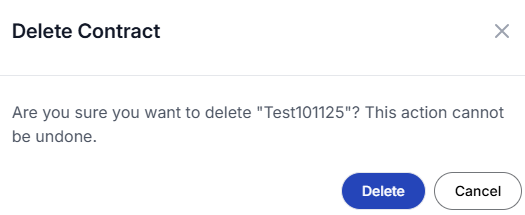
Delete
|
|
Rerate Charges
|
|