

These groups allow you to organize your accounts in reports and restrict user access to specific invoice data. You can only delete a group if no accounts are assigned to it.
-
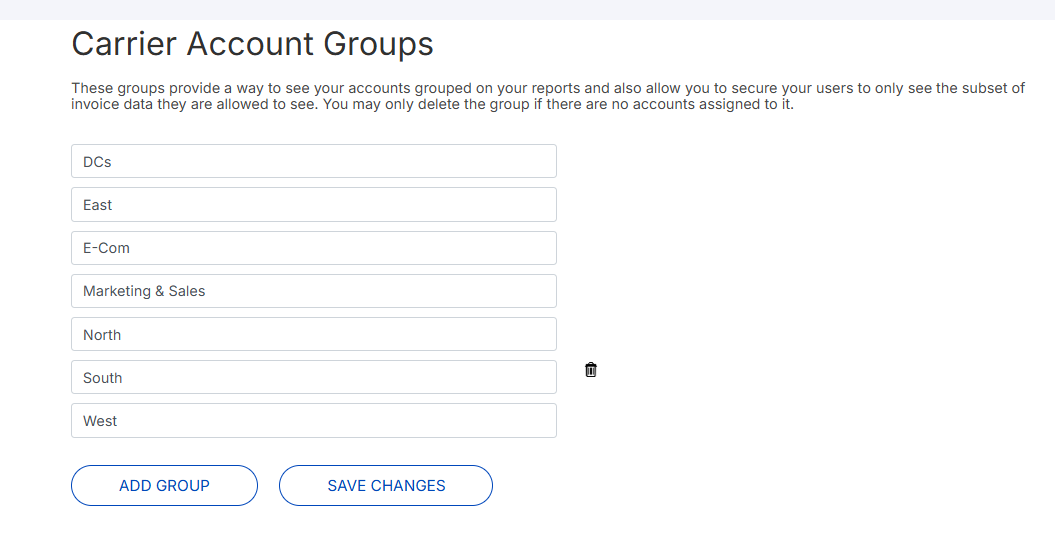
Click Settings>Carrier Account Groups. A list of groups displays.
-
To rename a group, click into the field and edit information.
-
To add a group:
-
Click Add Group. A new row displays.
-
Click row and type name.
-
Click Save Changes.
-
-
To delete a group, click the trash icon
