

Your account typically comes preloaded. You may need to switch accounts, add new ones, or update passwords as needed. The last import date indicates when the account last logged in and processed data. You can edit the password if it has changed or delete the account if the login is invalid.
Account logins must access billing and invoicing data for carriers, especially the sections for requesting a raw data download. This typically requires enrollment in electronic billing with the carrier. For assistance, contact your Success Manager.
-
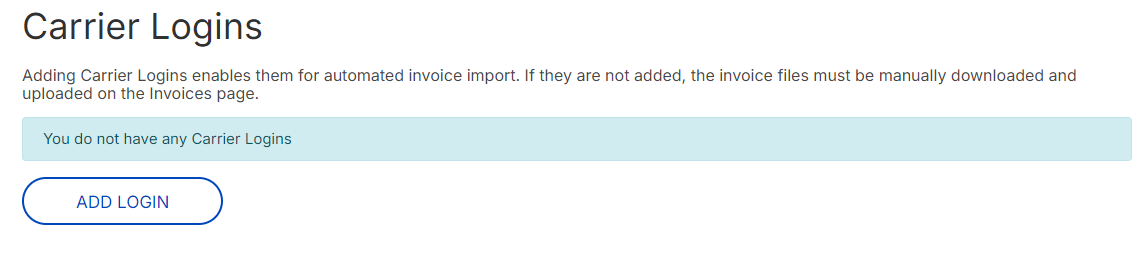
Click Settings>Carrier Logins.
-
Click Add Login.
-
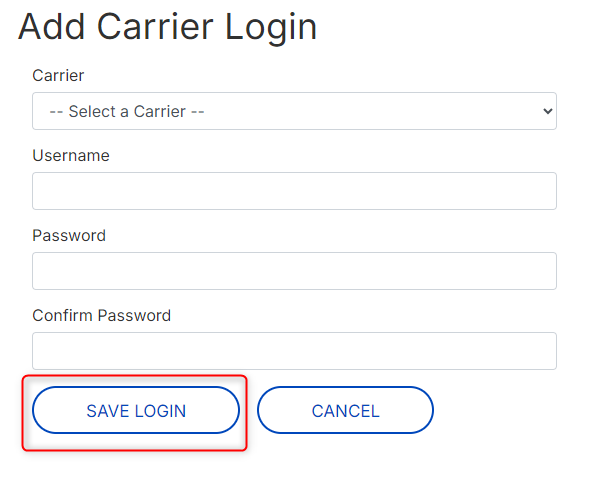
Enter fields and then click Save Login.
View Carrier Account Groups
-
Click Settings>Carrier Accounts. A list of carriers displays.
-
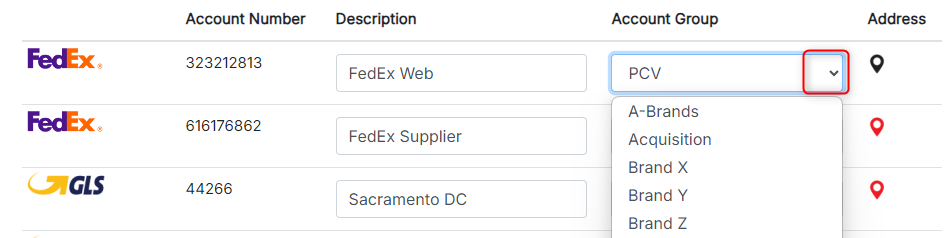
To change the account group, click the corresponding Account Group drop-down and select.
-
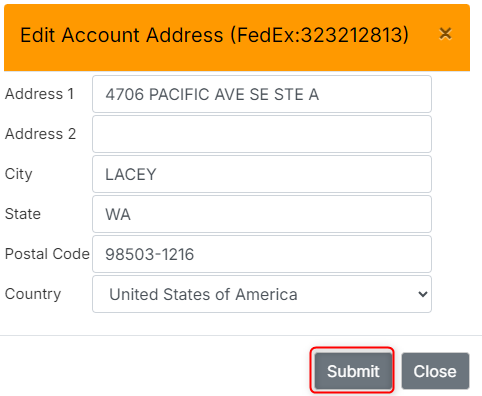
To change the address, click the location icon

A red icon indicates no address entered.
-
Once you’ve completed edits, click Save Changes.
